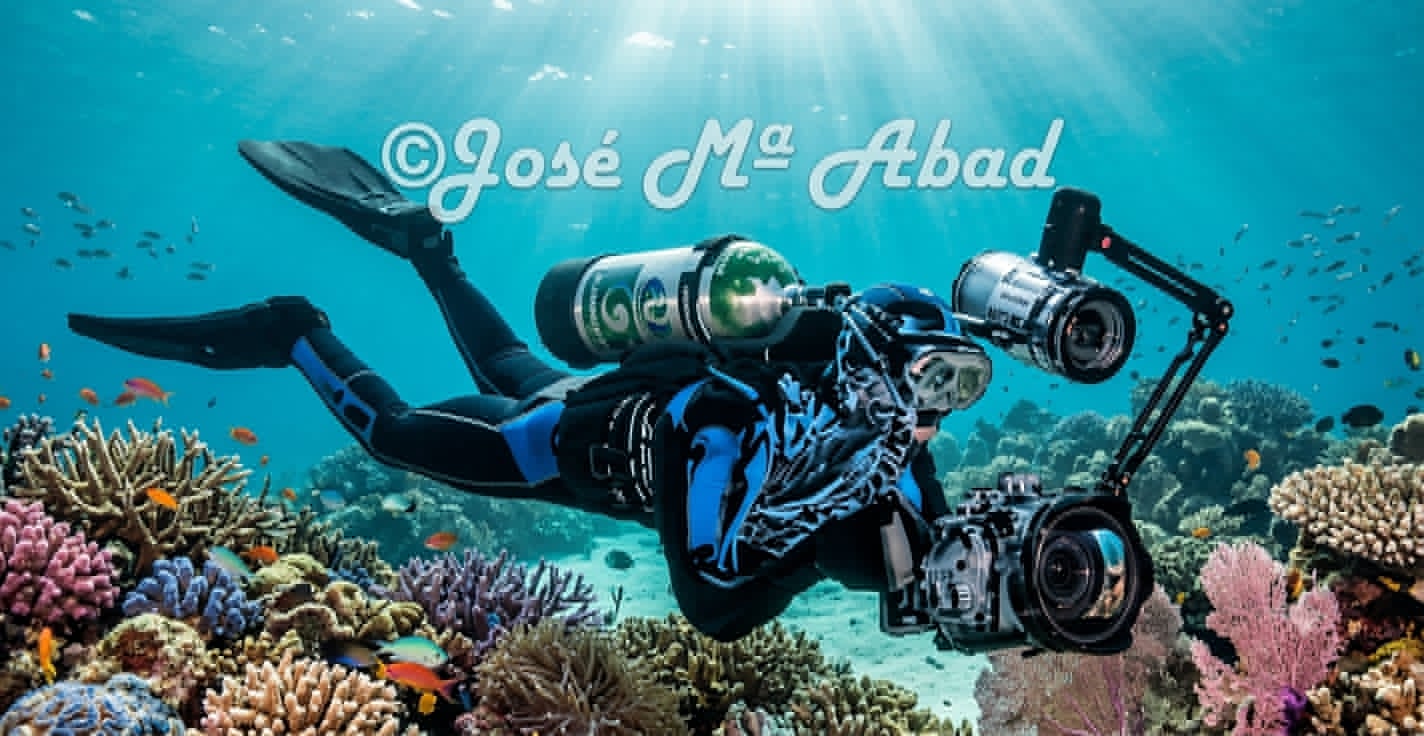
01 · PREPARATIONBefore entering the water
Photography begins long before pressing the shutter. Preparing your equipment, knowing its controls and entering the water with a clear idea reduces mistakes and leaves more attention available for observation.
1.1 · Equipment check
Check battery, cards, housing, port, O-rings, latches and controls. A clean, correctly seated O-ring is as important as the camera. Make a final visual inspection before closing the housing.
1.2 · Choosing lens and port
The choice depends on the subject and working distance. Macro is for small details and isolated subjects; wide angle is for reefs, large animals and scenes where the environment is part of the story.
1.3 · Configure before the dive
Set focus, exposure mode, ISO, starting shutter speed, aperture and strobe power. Configure the buttons you will use with gloves and make sure you can change essentials without looking.
1.4 · Buoyancy and position
A good photograph requires stability. Maintain controlled buoyancy, avoid resting equipment on the bottom and learn to approach without raising sediment. Body control is part of camera control.
1.5 · Plan the photographic dive
Decide whether the dive will focus on macro, fish, environment or a sensible combination. Having an intention avoids constant changes and missed opportunities.
Exercise
Before the next dive, make a checklist and configure your equipment without improvising underwater.
Key idea
Preparation frees your mind to look.
02 · LIGHT AND COLOURLight underwater
Water changes light, reduces contrast and makes warm colours disappear with distance. The photographer must decide which part of the image will be told by natural light and which part will be recovered with artificial light.
2.1 · Natural light and depth
Ambient light can create blue backgrounds, silhouettes and sun rays. Changing the camera angle relative to the surface radically changes the result.
2.2 · Get closer to recover colour
Every centimetre of water between camera and subject removes information. Getting closer, when safe and respectful, improves colour, contrast and sharpness.
2.3 · Strobes: direction and distance
Strobe position is as important as power. Moving them away from the lens axis helps illuminate the subject without excessively lighting particles in the water.
2.4 · Backscatter
Suspended particles reflect light back toward the lens. If the strobe points directly forward, the problem increases. Work with strobes opened out and aimed at the subject area.
2.5 · White balance
With ambient light, white balance can help control colour casts; with strobes, artificial light provides a more stable reference. RAW gives you more room for later adjustment.
Exercise
Photograph the same subject with ambient light and then with one or two artificial sources. Change light position before increasing power.
Key idea
Light is placed; it is not simply increased.
03 · EXPOSURECamera control
The goal of manual control is not to memorize numbers, but to understand what each setting contributes and anticipate the result.
3.1 · Aperture
Aperture controls light and depth of field. In macro, smaller apertures can help keep more detail within a very shallow depth of field.
3.2 · Shutter speed
Shutter speed determines how movement is recorded. With ambient light it strongly affects the background; with flash it also controls how much ambient light enters the exposure.
3.3 · ISO
Higher ISO allows you to work with less light, but can increase noise and reduce editing latitude. Use it as a tool, not as a goal.
3.4 · Expose subject and background
In environmental images, think of two related exposures: the background with natural light and the subject with artificial light. This separation lets you control blue water without losing the subject.
3.5 · Histogram and highlights
The screen can be misleading underwater. The histogram and highlight warnings help check whether important bright areas are losing information.
3.6 · Focus
Look for a reliable focus point, especially the eye. With small subjects, pre-focusing at an approximate distance and moving your body to find the sharp plane can be useful.
Exercise
Make a series changing only aperture, then only shutter speed and then ISO. Try to predict the result before reviewing each image.
Key idea
Technique should serve visual intention.
04 · MACROThe small world
Macro reveals structures, colours and behaviours that are easily missed by the naked eye. It is an exercise in precision, patience and distance control.
4.1 · Working distance
Approach progressively without chasing the animal. A stable distance makes focusing easier and lets you place light precisely.
4.2 · Depth of field
The closer you are and the greater the magnification, the more critical depth of field becomes. Decide what really needs to be sharp.
4.3 · Black background
A black background can be achieved by reducing ambient contribution and avoiding lighting the background with the strobes. The subject must be properly separated and illuminated.
4.4 · Creative lighting
Try side lighting, backlighting or different strobe angles to reveal textures. Change direction before simply adding power.
4.5 · Supermacro and detail
Higher magnification makes composition and focus even more demanding. Look for small structures that can become the entire story.
4.6 · Ethics in macro
Never manipulate animals or damage their habitat for a photograph. A technically perfect image is not worth disturbing the subject.
Exercise
Choose one small subject and make a short sequence changing only your distance and light position.
Key idea
Small subjects demand big patience.
05 · FISHPortraits of fish
Fish photography is often about anticipation. Before pressing the shutter, observe how the animal moves, where it rests and what direction it normally takes.
5.1 · Observe before shooting
Watch routes, refuges and reactions. Many species repeat patterns and allow you to anticipate the frame.
5.2 · The eye and expression
The eye is usually the main point of attention. Look for sharpness and a head position that communicates character.
5.3 · Approach without chasing
Move slowly and avoid sudden movements. If the fish retreats, stop and wait. Chasing usually produces poorer backgrounds and tense images.
5.4 · Background and separation
A small change in your position can turn a confusing background into a clean or dark area. Move yourself before asking the animal to change its path.
5.5 · Behaviour and interaction
Feeding, cleaning, territorial behaviour or interaction with other animals create unforgettable moments. Anticipating the action matters more than firing many frames.
Exercise
Choose a predictable species and aim for one photograph where eye, body and background are all well resolved.
Key idea
Observation is part of photography.
06 · WIDE ANGLEEnvironment and wide angle
Wide angle is not simply about fitting more into the frame. It is about getting close and building a scene with depth, subject and environment.
6.1 · Get close and control distance
Distance between lens and subject is decisive for colour and contrast. Get close to the foreground and let the environment extend behind it.
6.2 · Balance blue and strobe
First decide what you want the background to do. Then adjust the strobe for the foreground. This separation preserves blue water without losing subject colour.
6.3 · Lines and depth
Sea fans, walls, corals and bottoms can create diagonals and layers. Look for a foreground, middle ground and background that help tell the story.
6.4 · Large animals
With turtles, sharks and other large animals, do not always try to fill the frame. Sometimes the space around the animal tells its relationship with the ocean better.
6.5 · Diver as a narrative element
A diver can provide scale, direction and story. Place them where they help reveal the size of the scene, not simply where there is space.
6.6 · Sun and surface
Shooting upward can produce sun rays, silhouettes and clean backgrounds. Control highlights and remember that the frame still needs a clear protagonist.
Exercise
Choose a coral formation and create three images: one descriptive, one with an animal subject and one with a diver for scale.
Key idea
The environment is also a protagonist.
07 · COMPOSITIONComposition and the moment
A technically correct photograph can still say nothing. Composition organizes attention and the moment brings emotion.
7.1 · What should be seen first
Before shooting, identify the protagonist. Every secondary element should help or at least not compete with it.
7.2 · Rule of thirds and centre
Thirds are a guide, not an obligation. A centred composition can be powerful when there is symmetry, a direct gaze or a dominant shape.
7.3 · Negative space
Leaving water around an animal can increase its sense of movement, isolation or freedom. Empty space also communicates.
7.4 · Direction of the gaze
When an animal looks or swims to one side, leaving space in front usually reinforces direction. For tension, you can deliberately break that expectation.
7.5 · Colour and contrast
A red, yellow or orange subject against blue can become a natural focal point. Use colour as a compositional tool.
7.6 · The fleeting moment
A look, interaction or gesture can last a fraction of a second. Technique must be ready before it happens so you can react.
Exercise
On each dive, look for one image whose only goal is to convey an emotion: curiosity, isolation, movement, tension or calm.
Key idea
First the emotion; then technical perfection.
08 · EDITINGSelection and digital development
The work continues after the dive. Selecting well is as important as editing well: not every photograph deserves the same amount of time.
8.1 · First selection
Remove blurred, duplicated or aimless images. Keep the ones that have something to say and then reduce the selection again.
8.2 · Exposure correction
Adjust exposure, shadows and highlights moderately. The goal is to recover information, not manufacture nonexistent light.
8.3 · Colour and balance
Correct colour casts while keeping the water natural. Blue does not have to disappear: it is part of an underwater photograph’s identity.
8.4 · Contrast and detail
A little local contrast can restore volume. Too much creates halos, noise and an artificial appearance.
8.5 · Cleaning and sharpening
Remove small distractions when reasonable and sharpen according to final output size. A web image does not need the same treatment as a high-resolution master.
8.6 · Export and archive
Always keep an original. Export a web copy and, if needed, another for social media, with suitable dimensions and compression. Keep folders and names consistent.
Exercise
Choose one photograph and create a natural version and a creative version. Compare them later and decide which better preserves the feeling of the dive.
Key idea
Editing reveals the photograph; it does not replace it.